
Remote and hybrid setups changed how companies watch work get done. You need visibility on productivity, data safety, and hours logged. At the same time, federal rules like the Electronic Communications Privacy Act plus state privacy laws draw hard lines. Cross them and you face lawsuits, fines, or a team that no longer trusts you.
The goal stays simple. Watch what actually affects the business. Skip the rest. Clear policies plus the right tools keep both sides protected.
Phone Calls and Messages
You can monitor calls on company lines for quality, compliance, or training. That part stays legal in most cases. The second the talk turns personal, though, you should stop listening. Consent forms signed at hiring help, but they do not override every state rule. Some states require every person on the call to agree before recording continues.
Finance teams and support desks often run this type of monitoring. They train staff to flag personal conversations and switch topics fast. Before you turn anything on, check your state statutes. A short call to a local employment lawyer or HR group saves months of headaches later.
Email, Internet, and Company Systems
Company email and internet access carry almost no privacy expectation in most workplaces. Still, dropping monitoring on people without warning creates resentment and legal exposure. Put the rules in the handbook. Cover what gets logged, how long records stay, and who can see them.
Personal browsing during work hours cuts output and raises breach risks. One wrong click on a bad site can hand client data to outsiders. Talk through the policy during onboarding. Show examples. Get written acknowledgment. Most issues never appear when expectations sit in plain sight from day one.
Monitoring Software Done Right
Modern tools track app usage, idle time, website visits, and even scheduled screenshots. The useful ones let you turn features on or off by role or shift. You set the scope so it matches your policy and stays legal.
Controlio software brings these controls into one dashboard. It shows time logs, productivity patterns, and site activity without forcing you to watch every move. You configure alerts and reports to fit the exact risks in your operation. Teams that adopt it spend less time arguing over timesheets and more time fixing real workflow problems.
For accurate worktime tracking that fits remote and hybrid teams, check out this worktime monitoring product.
It beats manual sheets and guesswork. You spot patterns like repeated long breaks or certain apps eating hours. Then you coach instead of accuse. Contractors sometimes fall under different rules than full employees. Test the setup on yourself first. Adjust thresholds so normal personal tasks during lunch do not trigger flags.
Video Surveillance in the Right Spots
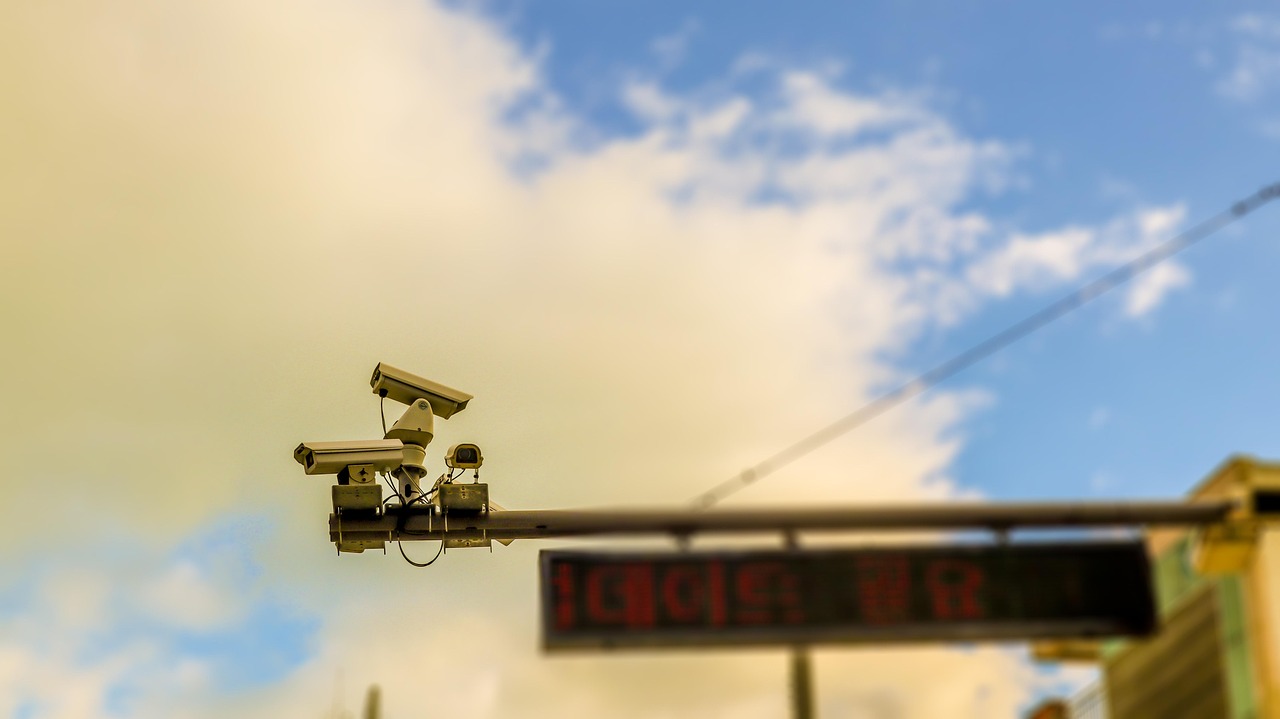
Cameras catch theft, fights, safety shortcuts, and harassment quickly. Place them in hallways, work floors, loading areas, and entry points. Never put them in bathrooms, locker rooms, break rooms, or any spot where people reasonably expect privacy.
Tell staff the cameras exist and why. Post signs too. Federal rules often allow video in open work zones without consent. Audio recording needs extra caution. Some states treat it like wiretapping and require permission. Store footage on secure servers with access logs. Delete old files on a set schedule unless an active incident needs review. That habit keeps you ready for audits or disputes.
Location and Vehicle Tracking
GPS on company trucks or phones helps dispatch, proves deliveries, and cuts unauthorized stops. Field teams and transport companies use it every day. It works best when everyone knows the device belongs to the job.
Keep track of inside work hours and work property. Personal cars after the shift ends stay off limits. Set simple geofences around job sites if the work fits. Review logs for safety and efficiency, not to micromanage routes. Drivers often appreciate the backup when arrival times get questioned.
Building a Policy That Holds Up
Start with one clear page. List what you monitor, why, how long data stays, who sees it, and how someone can ask questions. Train every manager who gets access. Review the whole setup once a year. Laws shift. Tools add features. Your team changes.
Controlio software and focused tools like it make the technical side straightforward. The harder part stays human. People accept monitoring when they understand the reason and see it applied fairly. Surprise them or track things that do not matter, and good workers leave.
Do it this way and you protect the business while keeping a culture people actually want to stay in.